
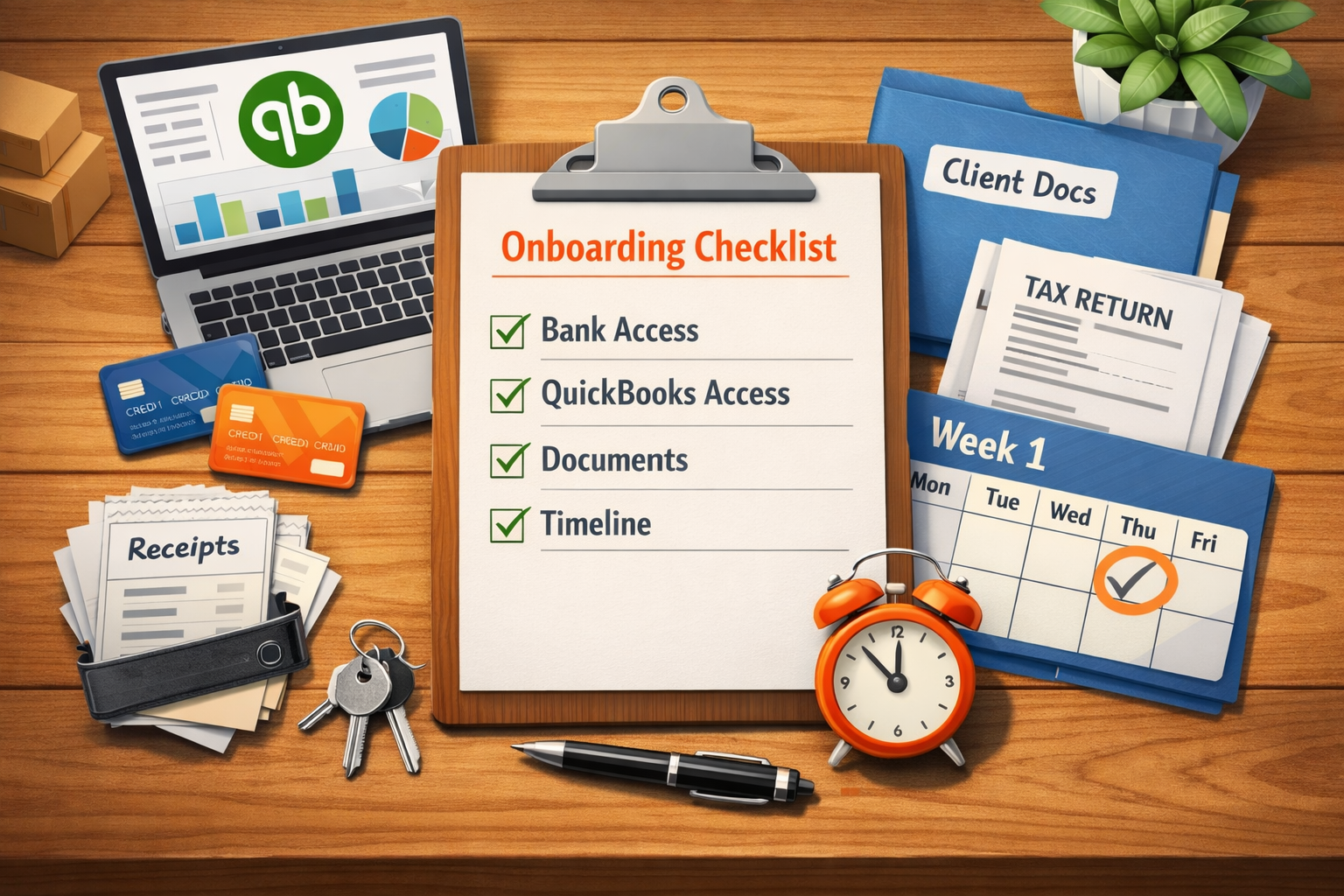
Starting with a new bookkeeping provider should not feel complicated. In reality, the onboarding process is usually straightforward when both sides know what information is needed and what happens during the first week.
For business owners, the biggest concern is often time: How much work will this take? and How fast will everything be running?
The good news is that most onboarding steps are simple. Once the right access and documents are in place, the rest of the process becomes routine.
Below is a practical checklist explaining what information a bookkeeper typically needs to start and what you should expect during the first week.
Why Onboarding Matters
Bookkeeping depends on complete and reliable information. When onboarding is done properly, it prevents the most common problems that appear later:
- Missing bank accounts
- Disconnected payment platforms
- Incorrect opening balances
- Lost receipts and unclear expenses
A structured onboarding process solves these issues early. The goal is simple: create a clear financial picture before the monthly bookkeeping cycle begins.
If you're curious about our process in general, you can see how we work.
Access We Typically Need
Bookkeepers do not need full control over your business accounts. In most cases, read-only or accountant access is enough.
Here are the most common systems involved.
Banks and Credit Cards
- Business checking accounts
- Business savings accounts
- Credit cards used for company expenses
- Loan or line-of-credit accounts
These connections allow transactions to flow automatically into QuickBooks and ensure balances match your statements.
Payment Platforms
- Stripe
- PayPal
- Square
- Shopify Payments
- Other merchant processors
Payment platforms often bundle multiple transactions into single deposits. Connecting them properly prevents revenue from being recorded incorrectly.
E-commerce Platforms (if applicable)
- Shopify
- Amazon
- Etsy
- WooCommerce
These platforms affect revenue reporting, fees, and inventory tracking.
QuickBooks Access (Roles That Matter)
If your business uses QuickBooks Online, two roles are typically required during onboarding.
Business Owner / Primary Admin
The owner or internal manager keeps full control over the account.
Accountant Access
Your bookkeeper receives accountant access. This role allows bookkeeping tasks without changing ownership or billing settings.
It also enables tools used for reconciliation, reporting, and historical cleanup.
If QuickBooks is not set up yet, onboarding may include a QuickBooks setup as part of the initial service plan.
Documents That Help Us Start Faster
Most bookkeeping setups require only a small number of documents.
- Prior year tax return
- Previous financial reports (Profit & Loss and Balance Sheet)
- Loan agreements or loan summaries
- Lease agreements for equipment or property
- Payroll provider information
- Sales tax account information (if applicable)
These documents help confirm opening balances and ensure the accounting structure matches your tax filings.
Receipts and Documents: Keep It Simple
One of the biggest sources of stress for business owners is documentation. The key is not perfection—it is consistency.
Most clients use a simple system such as:
- A shared Google Drive folder
- A Dropbox folder
- Receipt capture apps connected to QuickBooks
- Email forwarding for invoices and receipts
The goal is simply to create one predictable place where documents live.
Fix this in your books
If you’re not sure where to start, we can help. We’ll review your current bookkeeping setup, identify any gaps or issues, and give you a clear plan to fix it — just straightforward advice.
First Week Timeline: What Happens
Once access and documents are provided, onboarding usually moves quickly.
Day 1–2
- Access verification
- QuickBooks account review
- Bank feed setup
- Chart of accounts structure review
Day 3–4
- Initial categorization rules
- Payment platform connections
- Historical balance checks
Day 5–7
- Reconciliation of current balances
- Identification of missing items
- Confirmation of monthly workflow
At the end of the first week, clients usually see:
- Working bank feeds
- Connected financial platforms
- Clear documentation workflow
- A predictable monthly bookkeeping process
Common Onboarding Mistakes
- Connecting only some bank accounts
- Using personal accounts for business activity
- Missing merchant platforms (Stripe, Square, etc.)
- Sending incomplete historical reports
- No system for receipts and documentation
Most onboarding delays happen because information arrives in small pieces over time. When access and documents are provided together, setup is significantly faster.
The Goal of a Smooth Onboarding
The purpose of onboarding is not just setup—it is creating a reliable system for your financial records going forward.
Once everything is connected and organized, the monthly bookkeeping process becomes predictable and low-maintenance.
If you'd like to explore more topics like this, see our more bookkeeping guides.
Ready to Start or Switch?
Ready to switch or start? Send us a note through the website form with your software stack (bank + QBO + payroll + payment platforms).
We’ll reply with a tailored onboarding checklist and next steps.
«What You Get From Monthly Bookkeeping (Deliverables + Quality Standards)». Small bookkeeping mistakes can grow into big problems:
«Three Common Bookkeeping Mistakes Small Business Owners Make». Why bookkeeping matters even if your business is small:
«Why Every Business Needs Bookkeeping».
Related services
See how ongoing bookkeeping works. Cleanup / catch-up
Fix old months before they create bigger problems. All services
Compare bookkeeping, QuickBooks, payroll, and reporting support.