
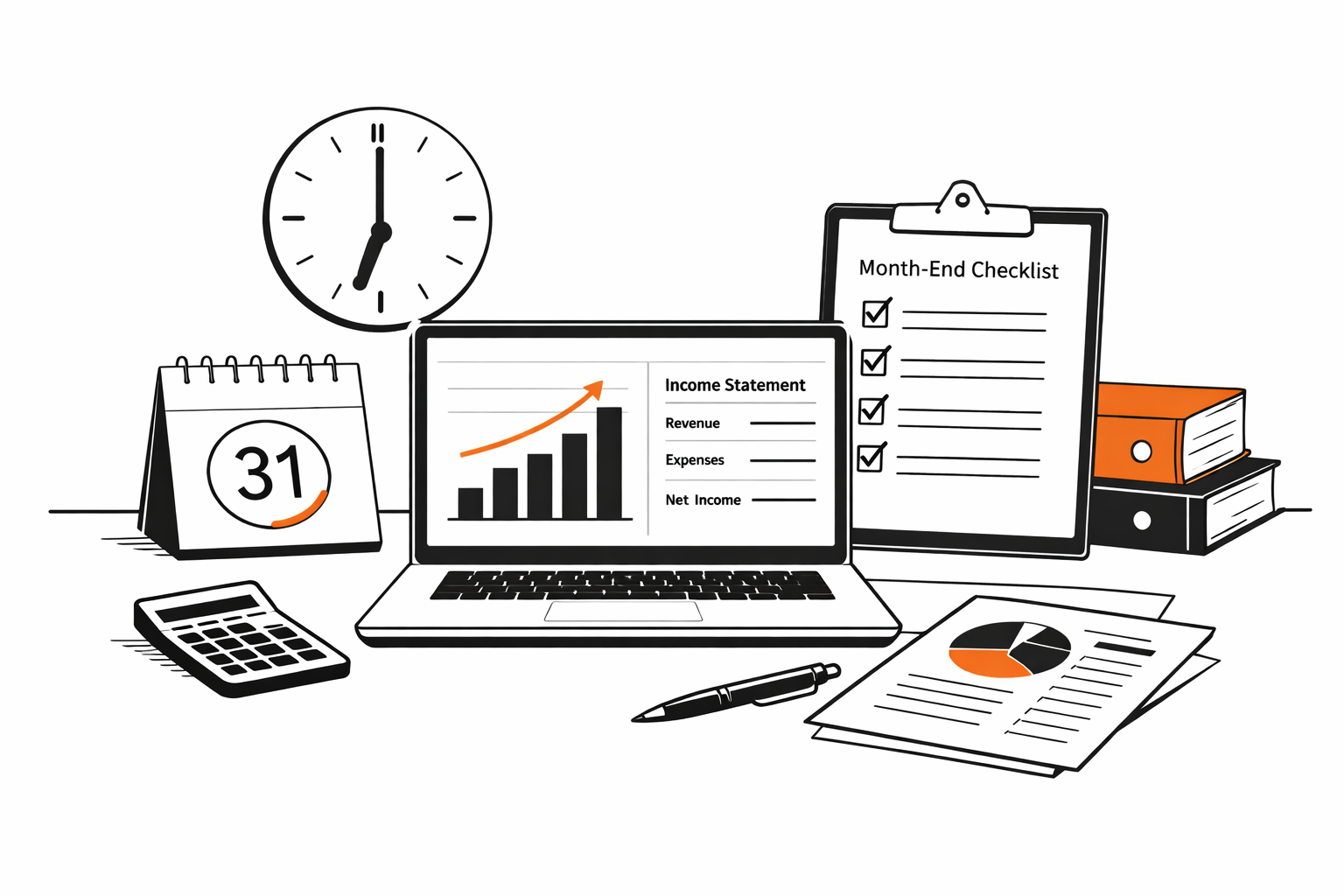
Imagine this: you look at your Profit & Loss report on the 5th of the month and see $18,000 in profit. A week later the number changes to $14,200. Then again to $16,800 after you remember a late vendor bill. Sound familiar?
This “always changing” dashboard is one of the most common frustrations small business owners face. The root cause is simple: the month isn’t truly closed. Raw transactions keep being added, adjusted or corrected without a clear cutoff point. As a result, numbers feel unreliable — and important decisions (bonus payouts, distributions, loan applications) get delayed or based on shaky data.
A proper month-end close fixes exactly that. It’s not just a technical ritual for accountants — it’s the moment when “raw data” becomes trustworthy final numbers your business can actually rely on.
What the Month-End Close Actually Includes
At its core, closing the month means drawing a line under the previous period and making sure everything that belongs in that month is captured, everything that doesn’t — is excluded, and the books reflect economic reality.
Here are the main pieces that happen during a solid close (in rough chronological order):
- All income and expenses for the month are recorded and categorized (including late-arriving invoices and receipts)
- Bank & credit card reconciliations are completed — so the balance in QuickBooks matches the real bank statement to the cent
- Accruals and prepayments are adjusted (example: you paid annual insurance in January → only 1/12 goes to January expense, rest is prepaid)
- Depreciation, amortization and other non-cash entries are posted
- Revenue is matched to the correct period (especially important for e-commerce or project-based businesses)
- Accounts Receivable / Payable are reviewed — overdue items flagged, bad debts assessed if needed
- Final Profit & Loss, Balance Sheet and (sometimes) Cash Flow are generated and reviewed for reasonableness
Only after these steps is the month considered “final”. In QuickBooks Online this usually ends with locking the period or at least marking it closed in your internal process.
When Is the Month Truly “Closed”?
The month is closed when:
- No one can post new transactions dated in the previous month without special approval
- All reconciliations are green and zero exceptions remain
- Financial statements pass a quick sanity check (profit makes sense compared to bank movement, balance sheet doesn’t show strange negative balances)
- You (the owner) receive a clean set of reports you’re comfortable sharing with your CPA, lender or partner
For most small businesses we work with, this happens between the 5th–12th of the following month — depending on transaction volume and how quickly documents arrive.
Fix this in your books
If you’re not sure where to start, we can help. We’ll review your current bookkeeping setup, identify any gaps or issues, and give you a clear plan to fix it — just straightforward advice.
How a Proper Close Improves Your Business Life
Tax season becomes dramatically easier. When every month is already reconciled and adjusted, your CPA doesn’t have to spend weeks reconstructing history. Many Schedule C or Form 1120S line items are already correct.
Lending and financing decisions speed up. Banks love when you can email last month’s closed P&L + Balance Sheet on the 10th — instead of saying “we’re still working on it”.
Real management decisions become possible. You can confidently answer: “Can we afford the new equipment?”, “Should I take a distribution?”, “Which product line is actually profitable?” — because the numbers stopped moving.
What Owners Can Do to Make Month-End Faster and Cleaner
The biggest delays usually come from missing information, not from complicated accounting. Here are practical things you can control:
- Forward vendor invoices and receipts immediately (or drop them into the shared folder by the 3rd of the next month)
- Approve large/unclear transactions quickly when the bookkeeper asks
- Stick to a predictable cutoff: for example, no transactions dated in the prior month after the 7th
- Use receipt capture apps (Dext, Hubdoc, Expensify) connected to QuickBooks — this eliminates 70–80% of manual chasing
- Keep personal and business spending 100% separated — mixing them creates hours of extra cleanup every month
When these habits are in place, month-end close often shrinks from 2–3 weeks of back-and-forth to 3–7 business days.
Common Signs Your Month-End Process Needs Work
- Profit number changes multiple times after the 10th
- Bookkeeper repeatedly asks for “the rest of the receipts” two weeks into the next month
- You avoid looking at reports because “they’re not final yet”
- Tax preparer always finds major adjustments during year-end
If 2–3 of these sound familiar, a structured monthly close routine can change the picture completely.
Month-End Close FAQ
What is a month-end close?
A month-end close is the monthly process of reviewing, reconciling, and finalizing the books so the reports are reliable for the owner, tax preparer, lender, or management team.
How long should month-end close take?
For many small businesses, a clean monthly close can be completed within a few business days after bank and credit card statements are available, assuming receipts and answers are provided on time.
Do I need a month-end close if my business is small?
Yes, if you use reports to make decisions. Even a small business can have misleading numbers when deposits, bills, payroll, loans, or owner transfers are not reviewed each month.
What is the difference between reconciliation and month-end close?
Reconciliation confirms that account balances match bank or credit card statements. Month-end close is broader: it includes reconciliations, review of income and expenses, adjustments, report checks, and a clear cutoff for the month.
Want month-end numbers you can rely on?
Fill out the form on our website — we’ll recommend a close timeline and a monthly plan that fits your transaction volume.